
6 May 2026
Quick Send Email - User Guide
Written By:
Tiller Team
Your Guide to Effortless Emailing: Web, App, & Manual Options
We’ve updated our email tools to ensure you can send content regardless of whether you use a desktop application or a web browser. Depending on your preference, you can now trigger a local app, launch a web-based draft, or copy content manually.
Current Compatibility & Button Behaviour
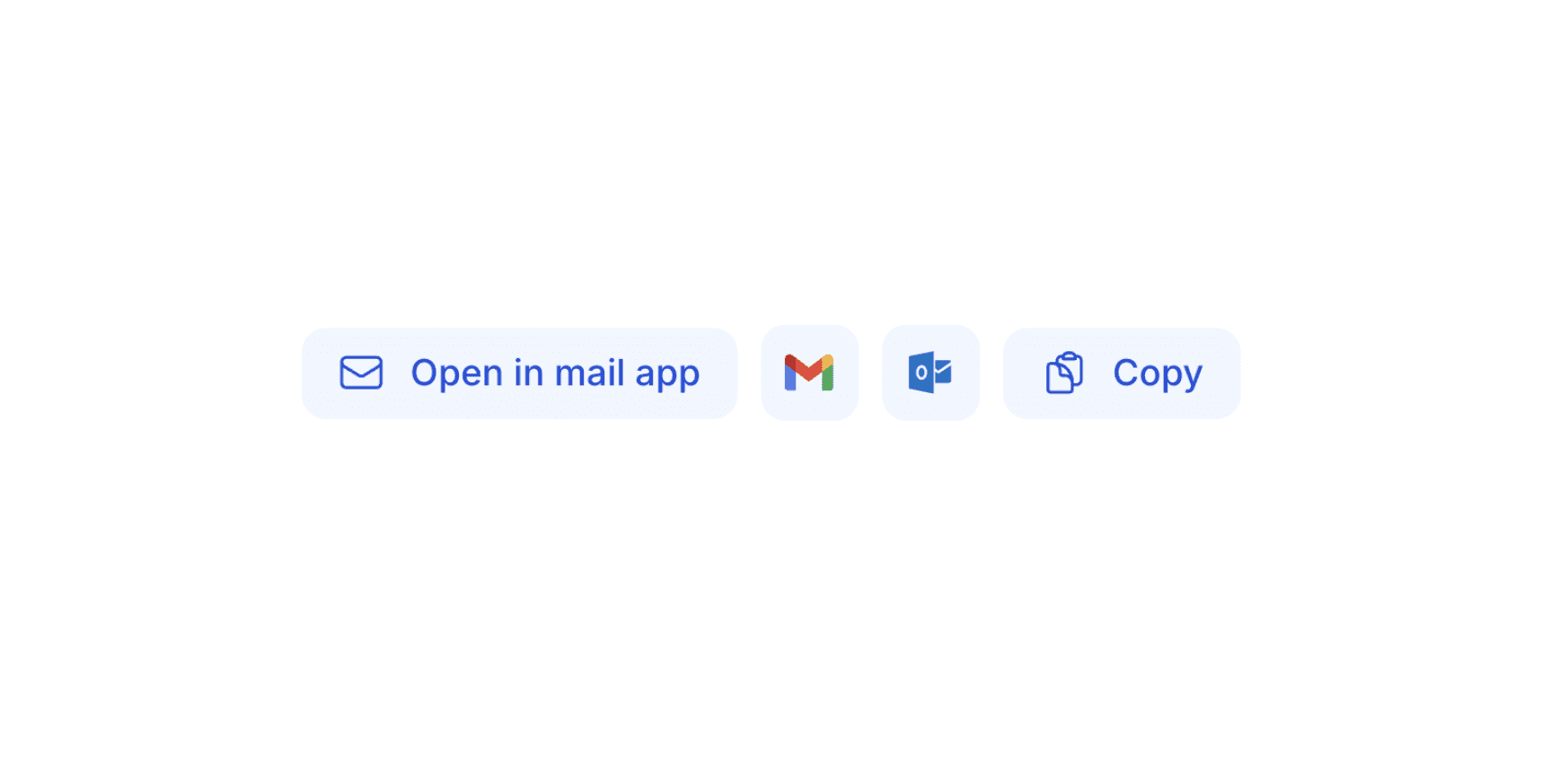
Feature | Action | Best For... |
Open in Mail App | Opens your computer's System Default app. | Users with Apple Mail, Outlook Desktop, or Windows Mail. |
Gmail Button | Opens a new draft in a Gmail web tab. | Users who access Gmail via Chrome, Safari, or Edge. |
Outlook Button | Opens a new draft in Outlook.com / Web. | Users who use Microsoft 365 via a web browser. |
Copy Button | Saves all content to your Clipboard. | A "fail-safe" for any platform or unique email provider. |
How to use the Email Feature effectively
1. Gmail & Outlook Buttons
If you don't use a desktop app and prefer working in a browser, these buttons bypass your system settings entirely.
Action: Click the Gmail or Outlook button.
Result: A new browser tab opens with the recipient, subject line, and body content automatically pre-filled in the web interface.
2. Open in Mail App
Use this if you have a dedicated email program installed on your computer.
Action: Click the link.
Result: Your computer's default mail client (like Apple Mail or Outlook Desktop) will launch a new compose window.
Note: If this opens the "wrong" app, you'll need to adjust your system's MAILTO protocol settings (see Pro Tip below).
3. The "Copy" Method (The Fail-Safe)
If you use a specialised email provider or are on a restricted public computer, this is the most reliable path.
Action: Click the Copy button.
Result: The entire draft is saved to your clipboard. Simply open your email, hit "Compose," and paste (Ctrl+V or Cmd+V) the content.
Pro Tip: Changing your Default Mail App
If the Open in Mail App button triggers an app you don't use:
On Mac: Open the Mail App > Settings > General > Set "Default email reader."
On Windows: Go to Settings > Apps > Default Apps > Search for "Link Types" and ensure your preferred app is selected for the MAILTO protocol
From the Tiller Blog:
Introducing Customer Intelligence
A 22% lift in upsell opportunities, instant handovers, and 15 hours back a month — see Customer View in action.
10 September 2026

Objection Handling Fact Sheet
What the data says about which objection-handling tactics actually close deals — and where the standard sales playbook quietly loses winnable ones.
17 August 2026

Tiller vs Fireflies: record a meeting or have a better meeting?
Factual comparison of Tiller (real-time sales and customer success call coaching, deal-risk alerts, deal scoring) and Fireflies (AI meeting transcription, CRM sync, post-call conversation intelligence), covering who each is built for."
17 August 2026