
25 Sept, 2025
Co-Pilot 2.0 Webinar
Written By:
Tiller Team
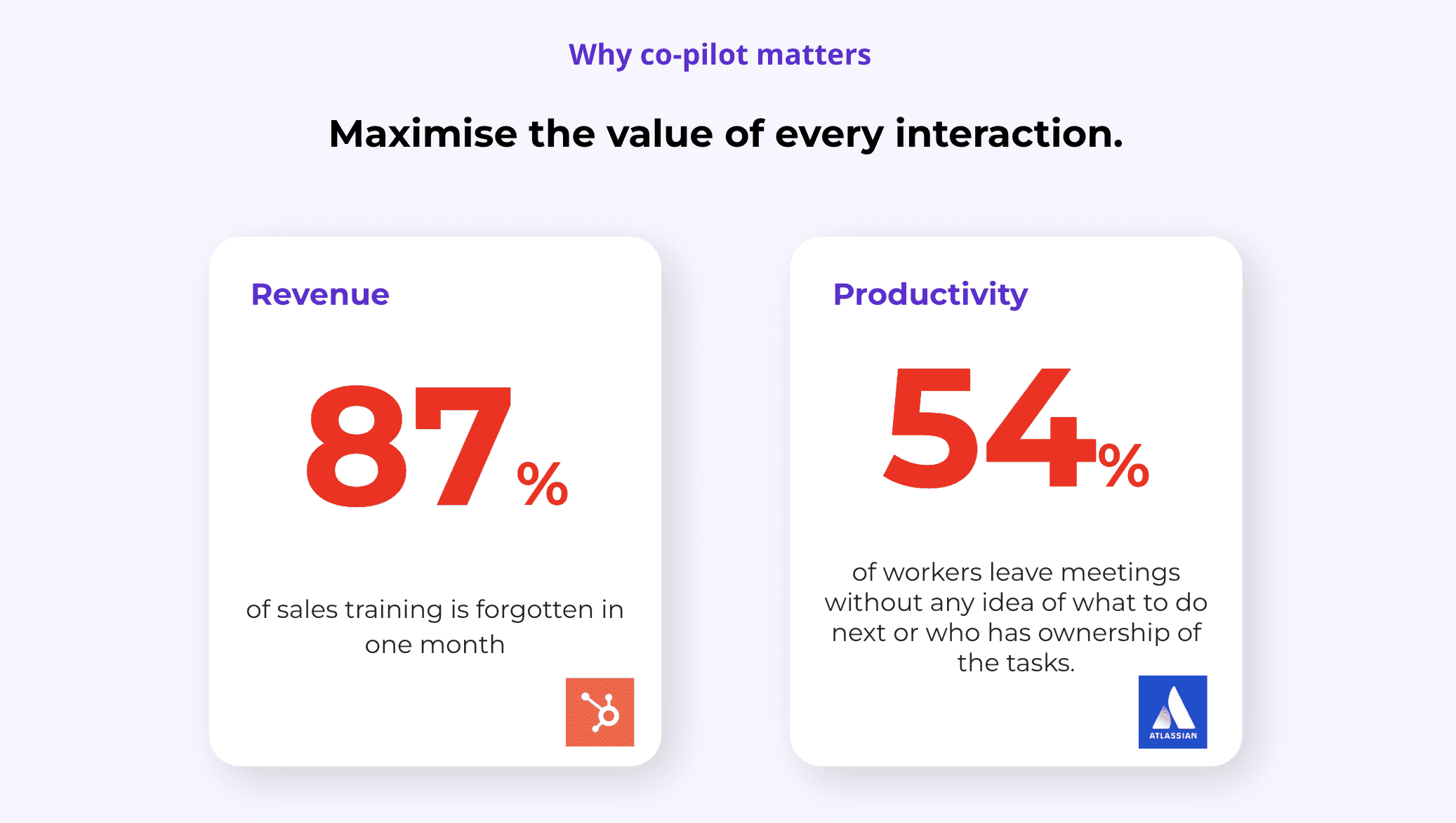
Make Co-Pilot Automatic
Set it and forget it—Auto-Open ensures Co-Pilot is always running so you never miss a meeting insight.
Step 1: Open your settings.
Step 2: Switch on Auto-Open so Co-Pilot launches as soon as a meeting starts.
Step 3: Ask your admin to turn this on for the whole team so everyone uses it consistently.

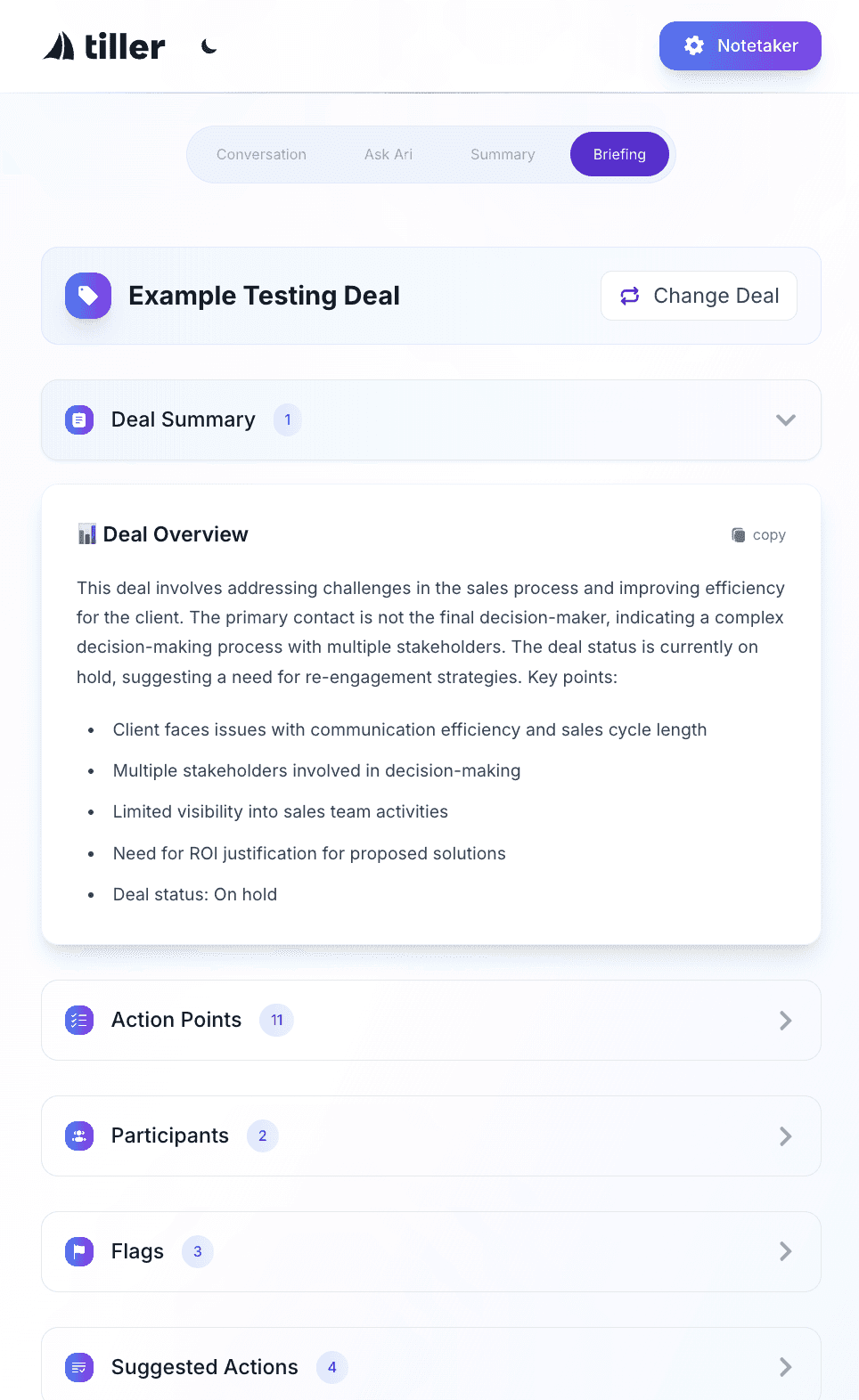
Start Every Call with the Briefing Tab
The Briefing Tab gives you a 30-second prep boost so you walk into every call confident and ready.
Step 1: Open the Briefing Tab before the meeting begins.
Step 2: Review participant details, deal history, and any outstanding action items.
Step 3: Look for flags to spot key issues you’ll want to address.
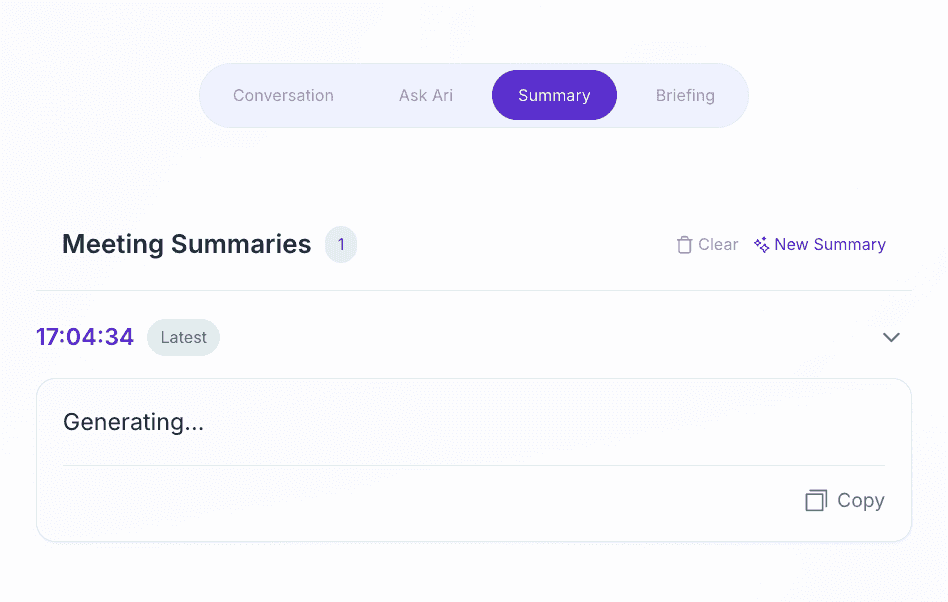
Use Live Summaries for Accountability
Live Summaries capture the call as it happens, so you can confirm next steps before anyone leaves the room.
Step 1: Let Co-Pilot generate a Live Summary (refreshes every 5 minutes).
Step 2: Check topics, key points, and action items as the call goes on.
Step 3: At the end of the meeting, share your screen to review the summary with participants.
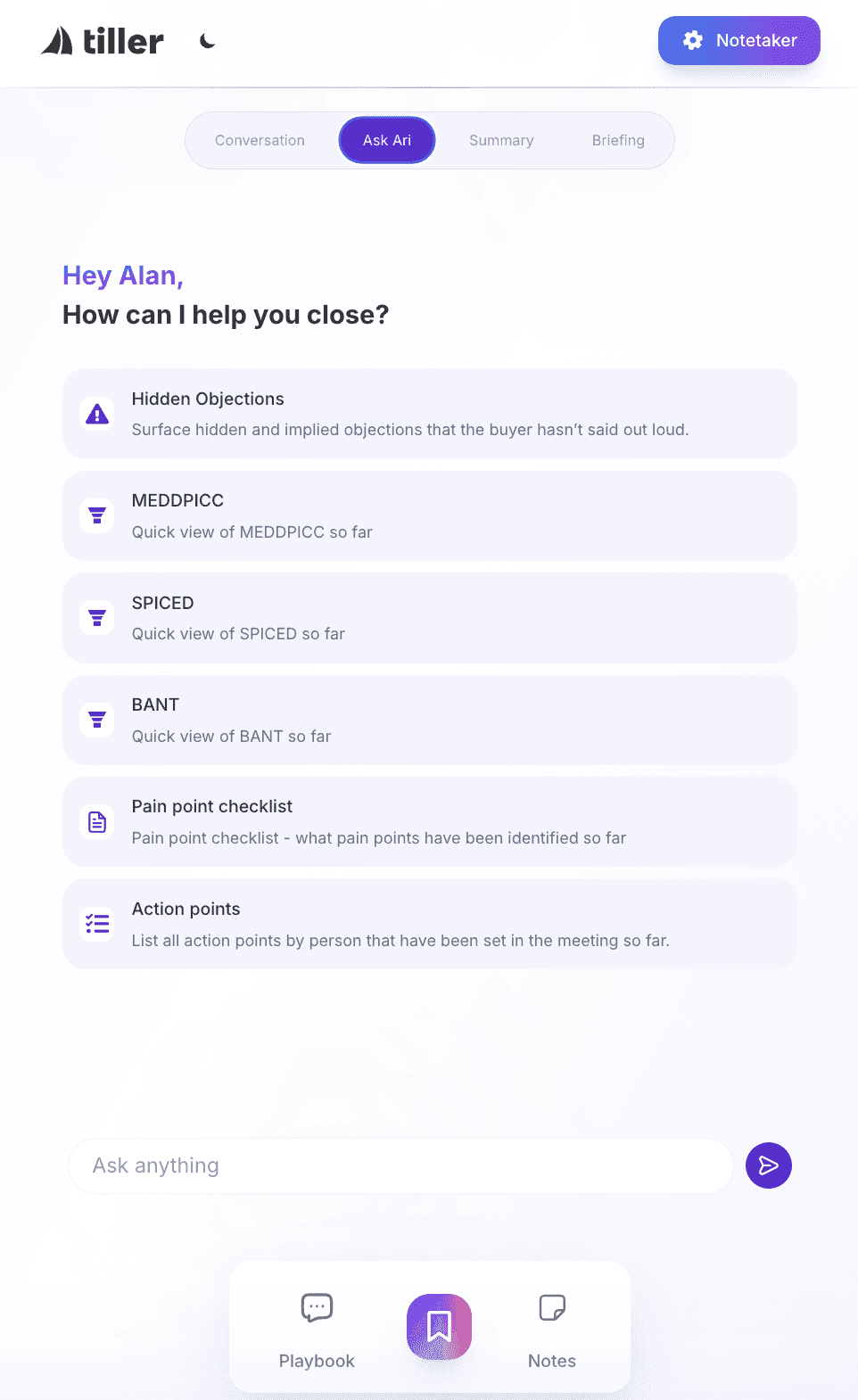
Lean on “Ask Co-Pilot” in the Moment
Ask Co-Pilot is like a sales coach in your ear, guiding you to deeper discovery and better qualification in real time.
Step 1: Use the Ask Co-Pilot feature during calls.
Step 2: Try a framework like SPICED or BANT to check your qualification coverage.
Step 3: If you’re unsure, ask Co-Pilot: “Have I gone deep enough on discovery?”
Step 4: Follow its guidance to uncover objections and pain points in real time.
Track Pain Points with the Checklist
The Pain Point Checklist keeps your discovery sharp, helping you avoid the #1 reason deals are lost: not digging deep enough.
Step 1: About 10 minutes into a discovery call, open the Pain Point Checklist.
Step 2: Count how many pain points you’ve uncovered so far.
Step 3: Aim for at least 5–6, digging deep into:
The situation
A real example
Quantified impact
Business impact
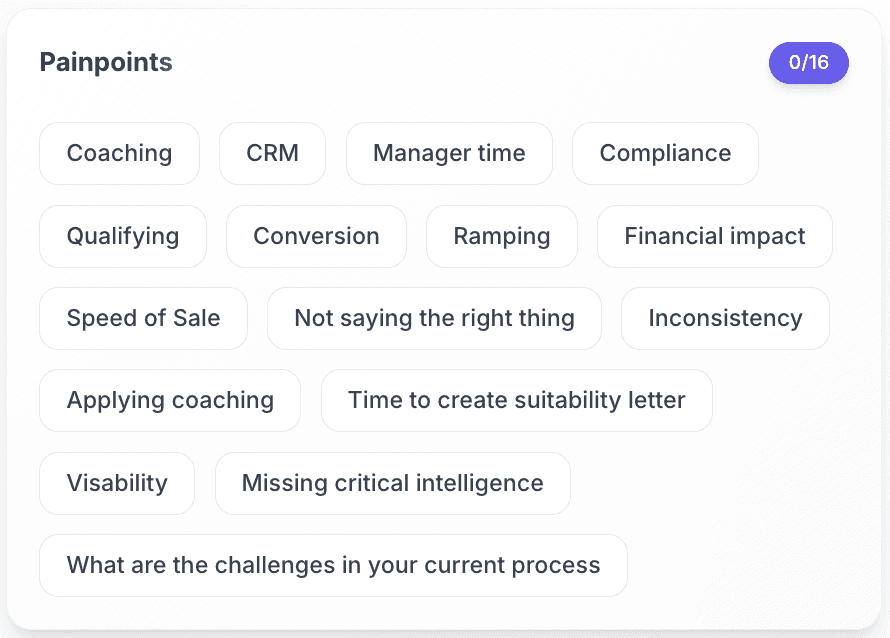
Use Notes & Bookmarks for Precision Coaching
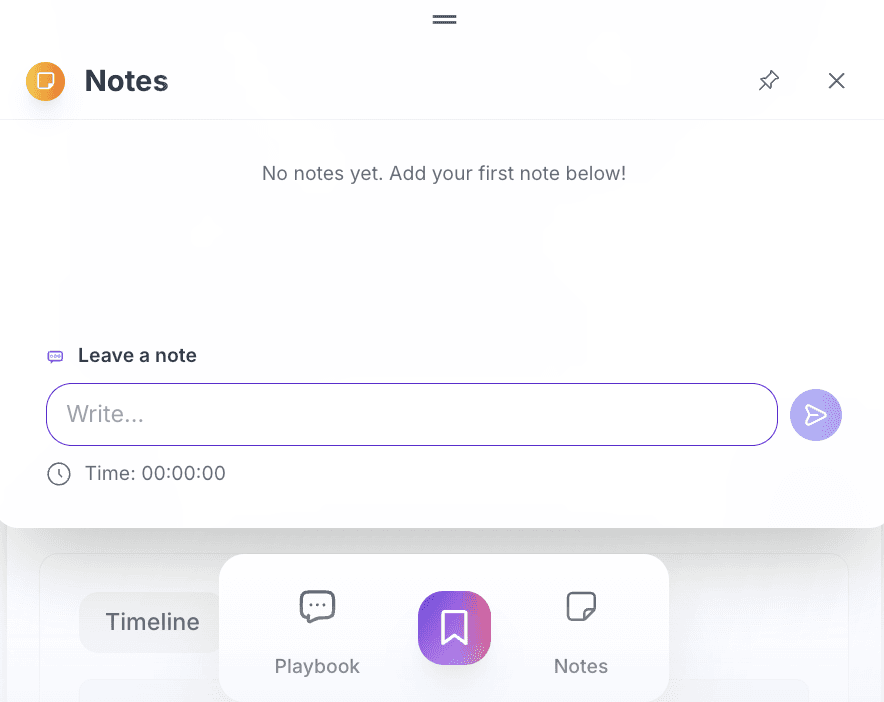
Notes and Bookmarks turn call recordings into powerful coaching tools, making feedback targeted and actionable.
Step 1: While on a call, add notes or drop a bookmark at important moments.
Step 2: After the meeting, review them, each note is timestamped and tied to the recording.
Step 3: Use these markers for coaching sessions or self-review to sharpen your skills.
Embrace the Coaching Hub (Coming Soon)
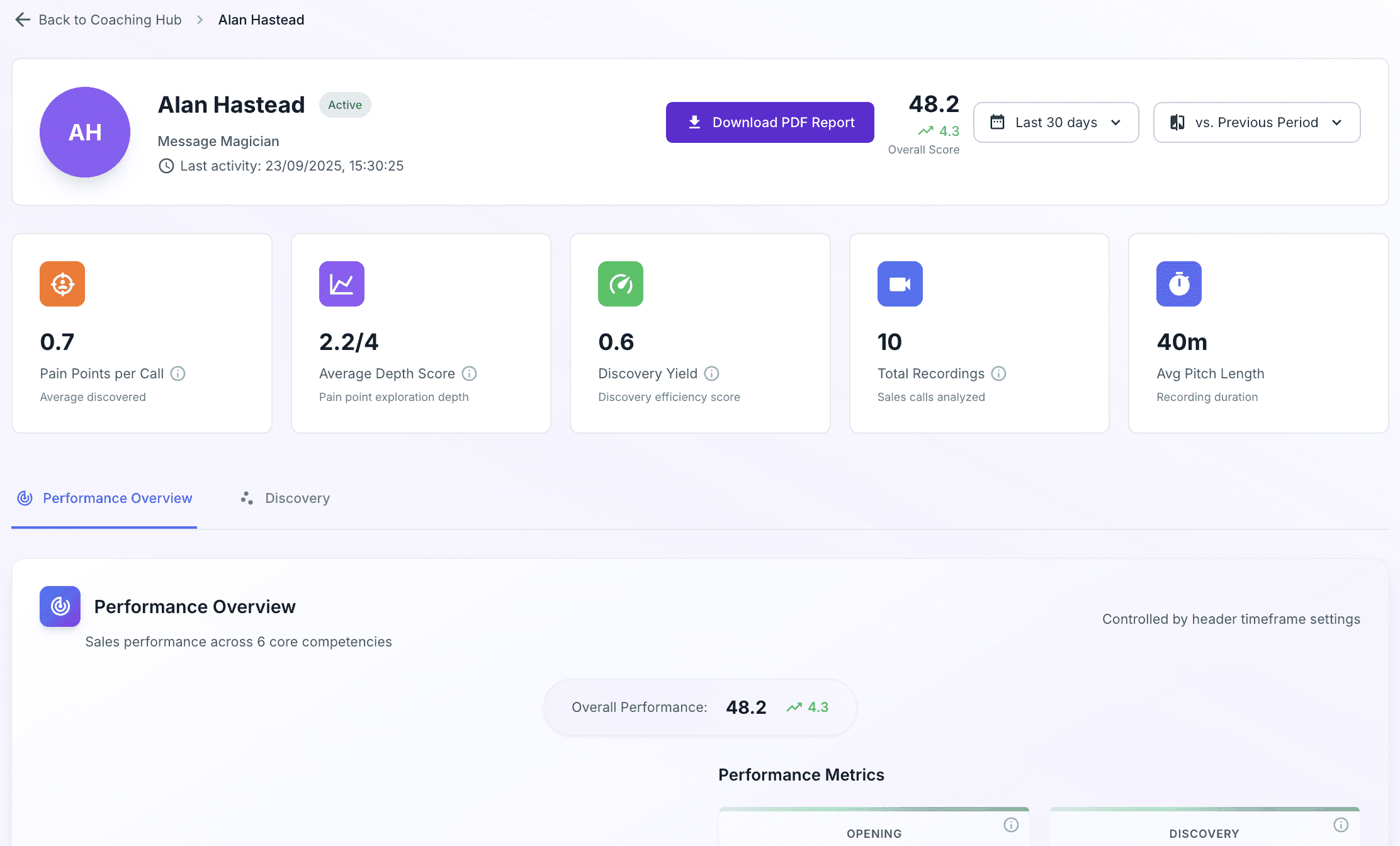
The Coaching Hub will track skill development and offer live guidance, helping reps grow faster and smarter.
Step 1: When released, log into the Coaching Hub.
Step 2: Track your skills across areas like discovery, objection handling, and closing.
Step 3: Compare your progress against top performers to spot gaps.
Step 4: Use live question suggestions (coming soon) to improve discovery on the fly.
Train Once, Reinforce Always
Quick onboarding plus regular reinforcement ensures your team adopts Co-Pilot and keeps using it effectively.
Step 1: Host a short onboarding session for your team.
Step 2: Show how to use Auto-Open, Briefing, and Summaries.
Step 3: Reinforce usage by reviewing call summaries and insights in team meetings.
Final Tip: Think Beyond Sales
Co-Pilot helps any team run smoother by clarifying next steps, assigning ownership, and driving faster execution.
Step 1: Try Co-Pilot in Customer Success, Onboarding, or internal meetings.
Step 2: Use it to clarify next steps, assign action ownership, and speed up execution.
Step 3: Watch collaboration improve across the board.
From the Tiller Blog:
How to Set Up Recording Intelligence Templates
Build your own Recording Intelligence template in a few minutes. Choose what gets analysed, what gets tracked, and how the feedback is written for every call and meeting.
7 Oct 2026

User Roles
Tiller's New Role-Based Privacy Controls Explained
1 Oct 26

Tiller desktop app isn't recording on macOS
Tiller not recording meetings on your Mac? It's usually a missing macOS permission. Here's how to turn on Accessibility, Screen & System Audio Recording and Microphone access so you're recording again in a couple of minutes.
23 September 2026